

Practice workspace / Approvals
Review the evidence and record each approval decision
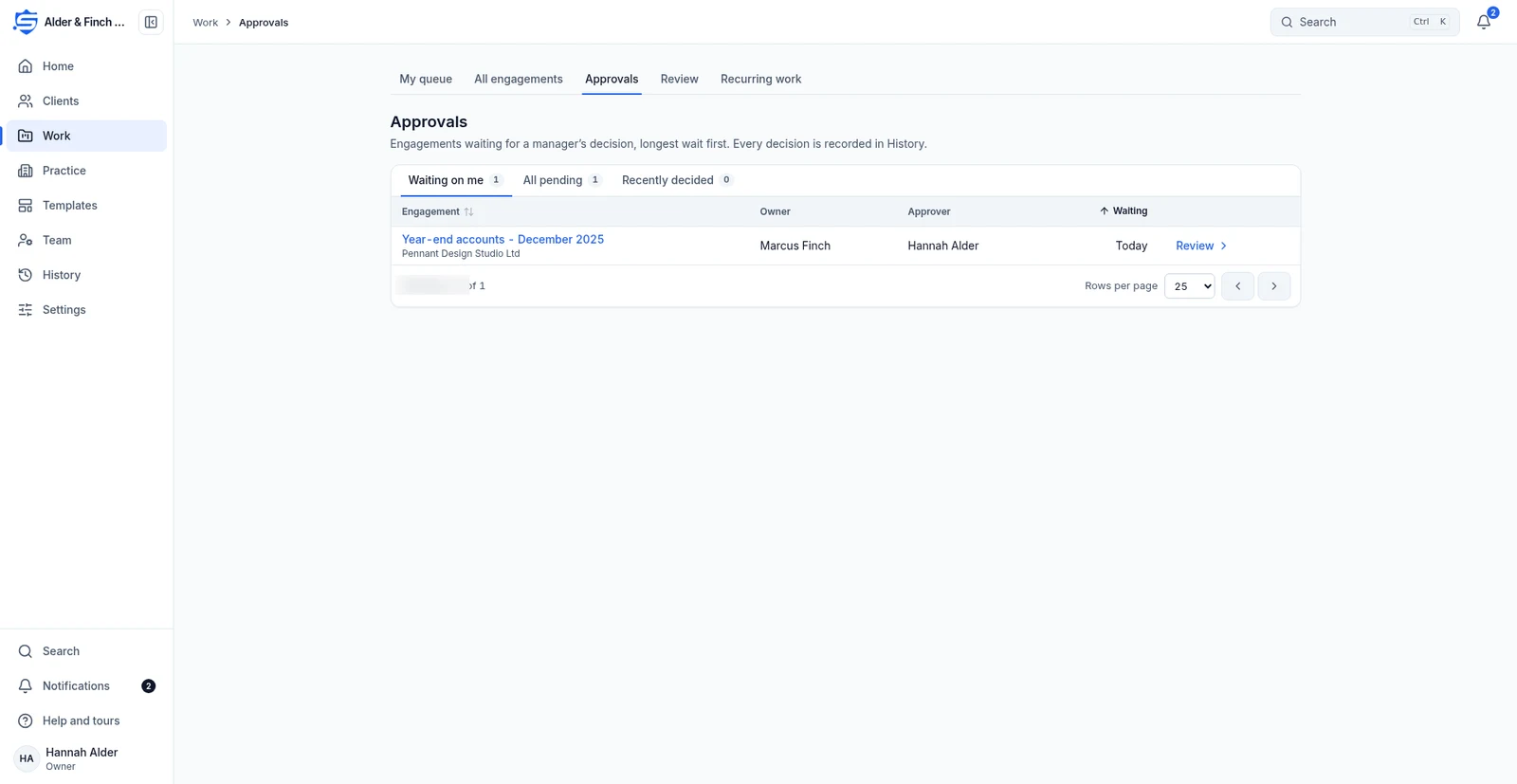
Managers and reviewers check finished engagements and financial items, keeping the decision with the work.
S SecureWire Workflow illustration
Example workflow
ExampleApprovals
Example clientExample steps
Complete the review checklistIn progress
JLRequest client approval where neededNot started
SKSubmit for approvalNot started
AMRecord the manager’s decisionNot started
JLComplete the review checklist01 / 04
Illustrative workflow and sample data. Register interest to discuss your requirements.
How this supports your work
Managers can review the supporting evidence and return work with notes, keeping each decision available for the next review.

How it works
- Complete the review checklist
- Request client approval where needed
- Submit for approval
- Record the manager’s decision
Complete the review
Use an internal review checklist, optional client approval and manager approval. Approve with supporting evidence, return for changes with notes or reject with a reason.
Request client approval where neededUse a second person
Preparers cannot approve their own work. If only one person can approve, the record says Self-approved: only user.
Submit for approvalSee what is waiting
Work, Approvals has Waiting on me, All pending and Recently decided, together with financial approvals in clients’ books.
Record the manager’s decisionRelated features
Continue with the related work
Prepare for the launch
Tell us what your team needs from accounting software
Register interest in SecureWire and ask us about the modules you need.