

Practice workspace / Engagements
Follow each client engagement through review and approval
Staff and managers use engagements to run a piece of client work and see where it is waiting.
S SecureWire Workflow illustration
Example workflow
ExampleEngagements
Example clientExample steps
Start engagementIn progress
JLChoose the client and templateNot started
SKCheck documents, people, fee and chasingNot started
AMSend invitationNot started
JLReview, approve and hand overNot started
JLStart engagement01 / 05
Illustrative workflow and sample data. Register interest to discuss your requirements.
How this supports your work
Staff follow the same steps for each job, while managers can see whether it is waiting on a client, colleague or approval.
How it works
- Start engagement
- Choose the client and template
- Check documents, people, fee and chasing
- Send invitation
- Review, approve and hand over
Start from a template
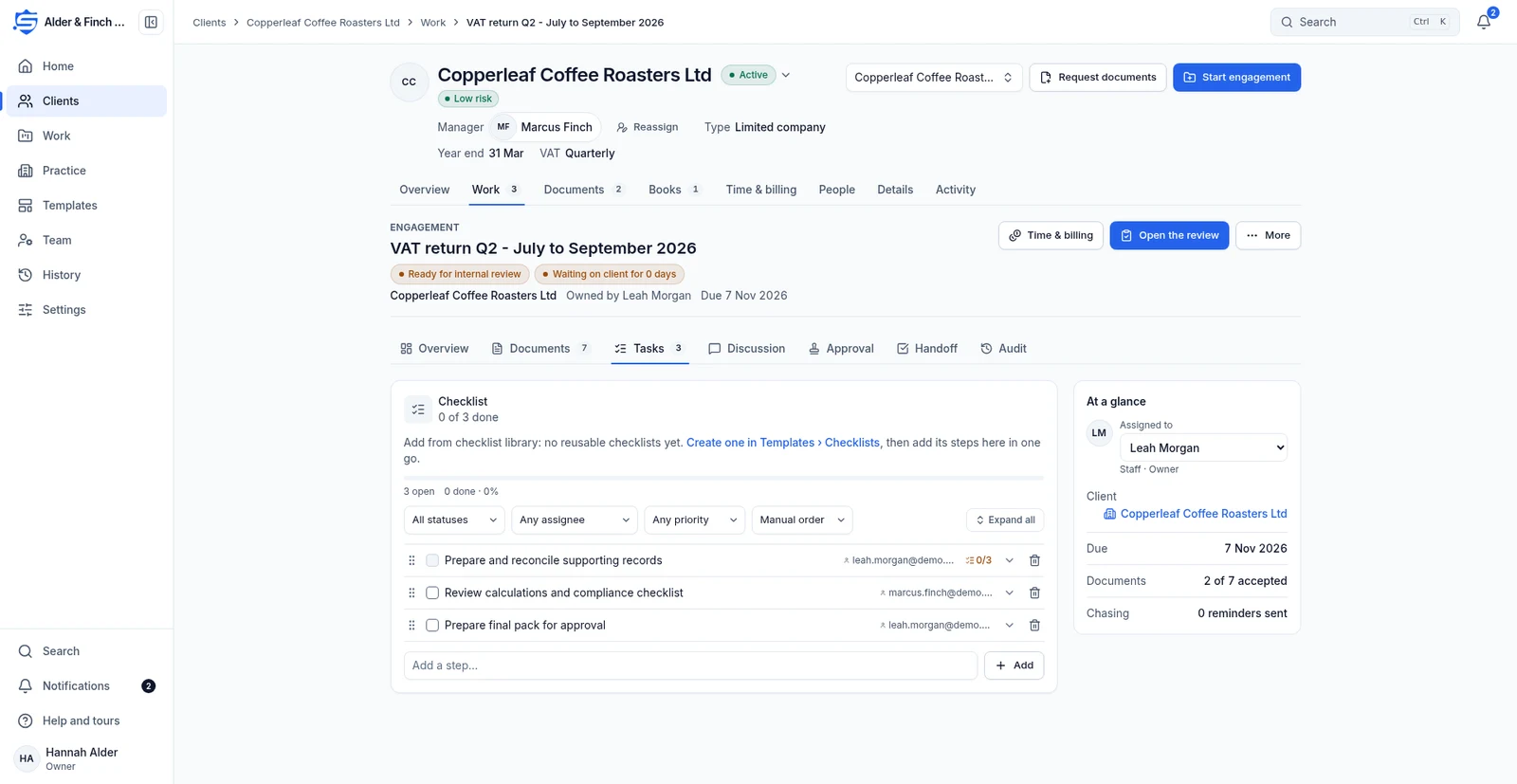
Each engagement holds its document requests, intake questions, tasks, chasing schedule, fee and approval stages.
Choose the client and templateWork from My queue
Find Overdue, Due in 7 days, Waiting on us and Waiting on the client views. Tasks and Discussion belong to the engagement.
Check documents, people, fee and chasingReview and hand over
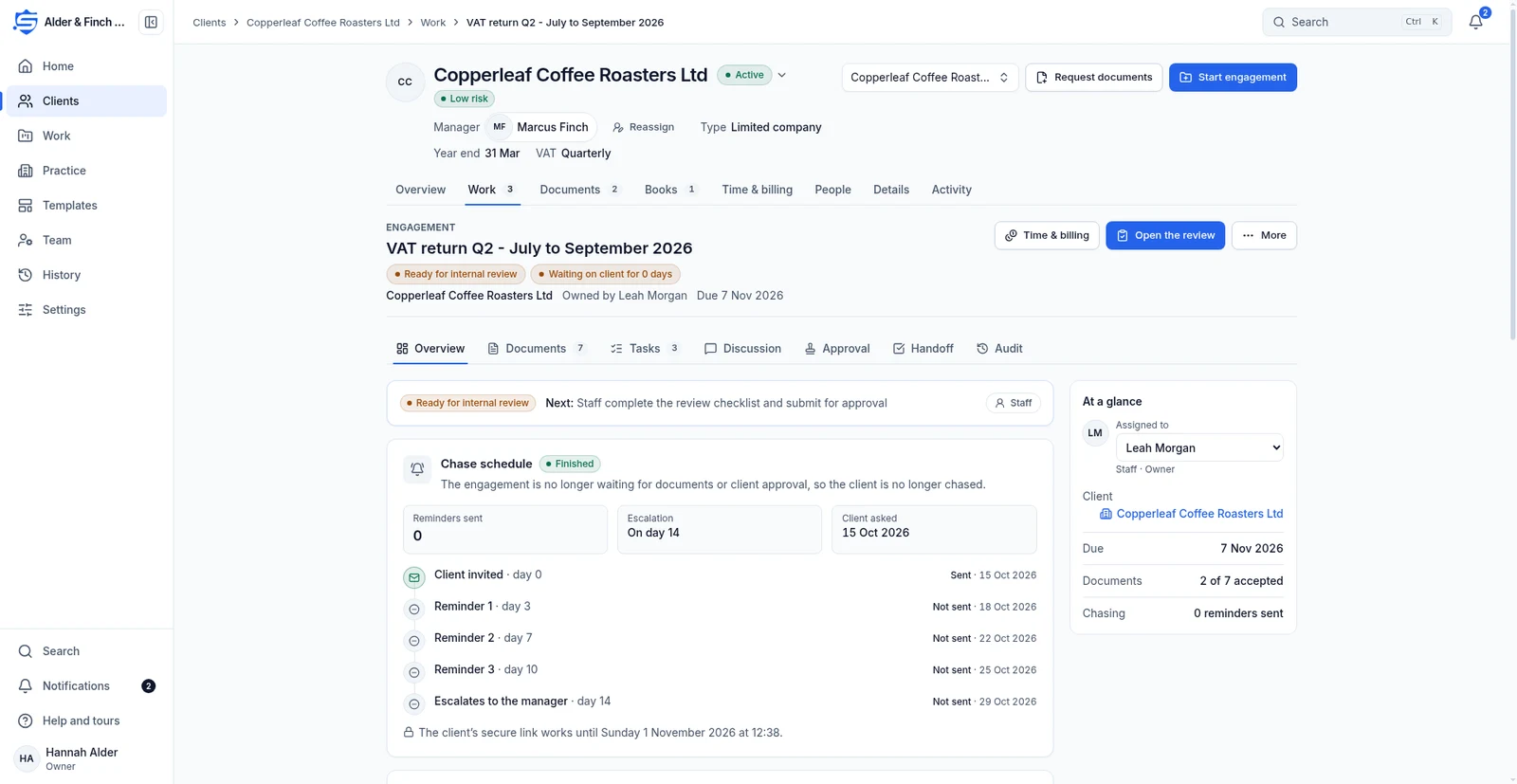
Work moves through internal review, optional client approval and manager approval. Holds and cancellations need a reason. Handoff completes the engagement.
Send invitationRelated features
Continue with the related work
Prepare for the launch
Tell us what your team needs from accounting software
Register interest in SecureWire and ask us about the modules you need.